How to Make AI Sound Like You (Not Like Everyone Else)
You asked AI to write a quick caption. It came back with "Ready to unlock your full potential and elevate your brand?" You sighed, deleted it, and wrote the whole thing yourself. Again.
If that sounds familiar, you're not alone. So many women tell me they tried AI, hated how it sounded, and went back to doing everything by hand. Which defeats the whole point.
Here's the tea. Learning how to make AI sound like you isn't about finding a magic prompt. It's about giving AI the one thing it doesn't have: you. Your words, your rhythm, the phrases you'd never be caught saying.
In this post I'll show you why AI sounds so generic, what it needs to know before it writes a single word, and how to build a simple voice guide in one sitting. By the end, your AI drafts will need a light edit instead of a full rewrite. Grab your tea.
Why AI sounds generic: you're using it like Google
Most of us learned the internet through Google. Type a few words, get an answer, move on. So when AI showed up, we used it the same way.
"Write an Instagram caption about budgeting."
That's a search, not a brief. And AI does exactly what you'd expect with a search. It gives you the most average answer it can find. The caption that could belong to any coach, any brand, any business in the world.
Think about it this way. If you hired a brand new assistant and on her first day said, "Write a caption about budgeting," what would you get? Something polite and forgettable. Not because she's bad at her job, but because she doesn't know you yet. She doesn't know who you serve, how you talk, or what you'd never say.
AI is that assistant, every single time you open a new chat. It starts from zero unless you tell it otherwise.
That's why the fix isn't a better prompt. It's better context. Google needs keywords. AI needs a briefing.
Once I started treating AI like a new team member I was onboarding, instead of a search bar I was typing into, everything changed. The drafts got closer. The edits got lighter. And I finally stopped rewriting everything from scratch at 9pm.
What your AI needs to know before it writes a word
AI can't sound like you until it knows three things: how you sound, what you'd never say, and what your real writing looks like. Here's each one.
Your voice in three words
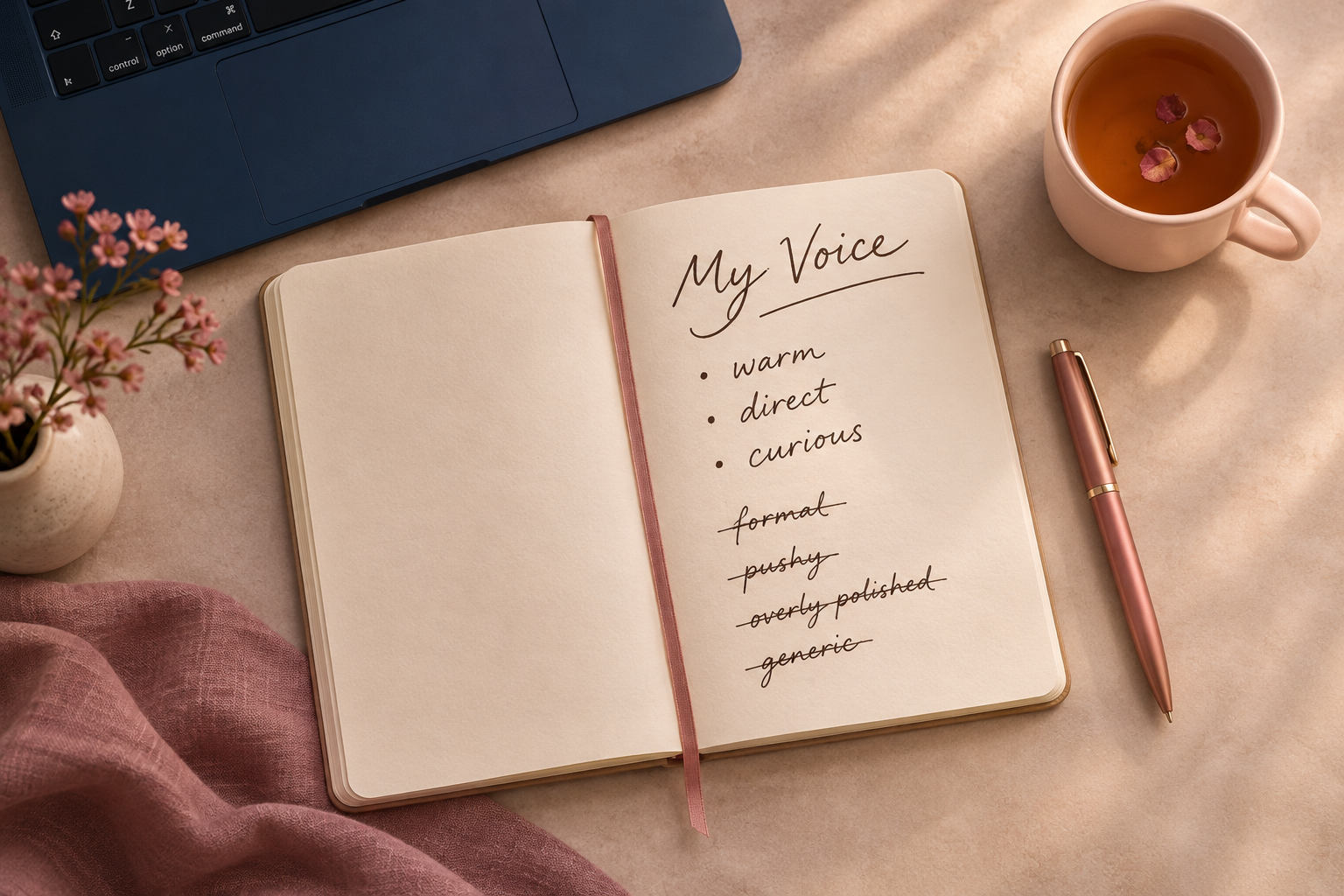
Pick three words that describe how you sound. Then, and this is the part most people skip, explain what each word means for you.
"Warm" means something different to everyone. Mine means I write like a trusted friend who knows her stuff. Encouraging, but never gushy. I'll acknowledge that something is hard instead of covering it up with affirmations.
So don't just tell AI you're "friendly, professional, and fun." Tell it what friendly looks like in your writing. Short sentences? Lots of "we"? A little humor at your own expense? The more specific you get, the closer the draft lands.
Your banned list
This is the fastest win in this whole post. Write down every word and phrase that makes you cringe when you see it.
I'll share mine. AI is not allowed to use delve, leverage, unlock, navigate, robust, utilize, or game-changer in anything it writes for me. No "in today's fast-paced world." No "living your best life." And no em dashes, ever. That long dash is one of the quickest tells that a machine wrote something.
Your list will look different. Maybe you hate "bestie" or "hustle." Maybe you never use exclamation points. Whatever it is, write it down. AI follows a clear "never say this" list far better than a vague "sound natural."
Real samples of your writing
Descriptions only go so far. Examples do the heavy lifting.
Gather three to five pieces of writing that feel like you at your best. An email your list loved. A post that got real replies. A note you wrote to a client. Then tell AI: "This is what I sound like. Match this."
One caution: only use pieces you wrote yourself. If you feed AI something that was already AI-written, you'll teach it to copy the very voice you're trying to escape.
Build your voice guide in one sitting
A voice guide is a short document that tells AI how you write. You build it once and use it forever. Here's how to make yours tonight.
1. Start a new doc called "My Voice." A Google Doc, a note on your phone, anything you can copy from easily.
2. Write two or three sentences about who you are and who you serve. For example: "I help women who work full time build a side business. They're smart and busy, and they feel like they're doing it alone."
3. Add your three voice words, each with one sentence explaining it. "Direct: I get to the point fast and skip the fluff."
4. Add your banned list. Every word, phrase, and punctuation habit AI should never use for you.
5. Add the phrases you do say. Your sign-off, your favorite expressions, the way you greet people. Mine always ends with "With love, Karla xx."
6. Paste in three to five writing samples. Label them: "Examples of my real writing. Match this tone."
7. Test it. Ask AI to write something you've already written yourself, like last week's email. Compare the two. Wherever it misses, add a line to your guide.
8. Save it where AI can always see it. That might be the custom instructions in ChatGPT, a Project in Claude, or simply pasting it at the top of every new chat.
That's it. It fits in a single evening, and the payoff shows up in the very next draft.
The test in step 7 matters most. Your first version won't be perfect, and that's fine. Every time a draft feels off, ask yourself what AI didn't know, and add it. Within a few weeks your guide will know you better than most people in your life.
How to edit an AI draft so it sounds like you
Even with a great voice guide, AI gives you a first draft, not a final one. The good news is that editing a close draft takes minutes. Here's my five-step pass.
Read it out loud. Your ear catches what your eyes skip. If you'd never say a sentence to a friend over coffee, rewrite it until you would.
Cut the first and last lines. AI loves a warm-up and a wrap-up. "Have you ever wondered..." at the top and "In conclusion..." at the bottom. Delete both and see if the piece gets stronger. It usually does.
Hunt for your banned words. Use find on your phone or computer and search for each one. It takes thirty seconds and catches the obvious tells.
Add one detail only you could know. A real moment, a client win, something that happened this week. AI can match your tone, but it can't live your life. One true detail makes the whole piece feel human.
Tell AI what was wrong. Don't just fix it quietly. Say, "Too formal. Shorter sentences. Never open with a question." Then ask for a new version. And if it's a lesson you'll want every time, add it to your voice guide.
That last step is where the magic happens. Each correction teaches your AI a little more about you. The drafts get closer, the edits get lighter, and writing stops being the thing that eats your whole evening.
Frequently Asked Questions
Q: How do I get ChatGPT or Claude to write in my voice?
A: Give it a short voice guide before you ask for anything. Include who you serve, three words that describe how you sound, a list of words you never use, and three to five samples of your real writing. Save it in custom instructions or a project so the AI sees it every time.
Q: Why does AI writing sound so generic?
A: AI starts every new chat knowing nothing about you, so it defaults to the most average version of whatever you ask for. Short, search-style prompts make this worse. The more context you give about your audience, tone, and style, the less generic the result.
Q: What is a banned word list for AI?
A: It's a list of words, phrases, and punctuation the AI should never use when writing for you. Common examples include "delve," "leverage," "unlock," and em dashes. A clear banned list is one of the fastest ways to remove the obvious signs of AI writing.
Q: Can people tell when I use AI to write my content?
A: They can when the writing is generic or full of common AI phrases. When AI works from your voice guide and you add a quick personal edit, it reads like you. The goal isn't to hide AI. It's to make sure the final piece genuinely reflects how you think and talk.
Q: How long does it take to train AI to sound like me?
A: You can build a working voice guide in one evening. Expect to keep refining it for a few weeks. Each time a draft feels off, add a line to the guide explaining what to change.
Give your AI a cheat sheet
You don't need to be a tech person to make AI sound like you. You just need to stop treating it like Google and start treating it like a new team member who needs a good briefing.
If you'd like a head start, I made a free AI Cheat Sheet for exactly this. It walks you through what to tell AI about your business, your customer, and your voice, so you can fill it in once and paste it into any chat. It takes about ten minutes, and it can save you hours of rewriting.
Fill it in, try it on your next caption or email, and come tell me how it sounds in The Boutique Room, our free Facebook group. I'd love to hear.
With love, Karla xx
